


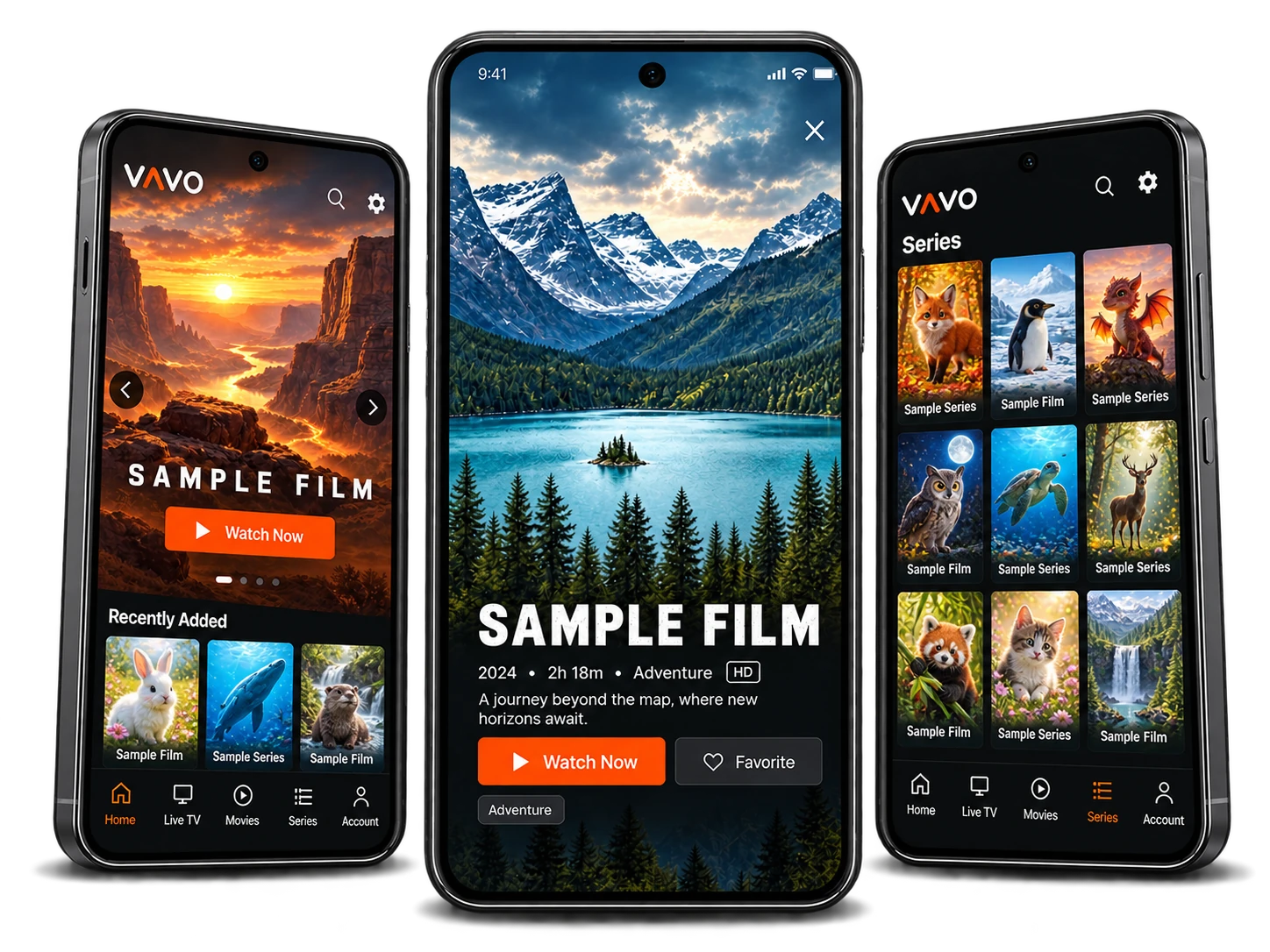

Play your local videos
Open video files stored on your device with Vavo.
Bring your playlists, live streams and local videos together in one player, built for TV, desktop and mobile. Try before you buy Choose your license.
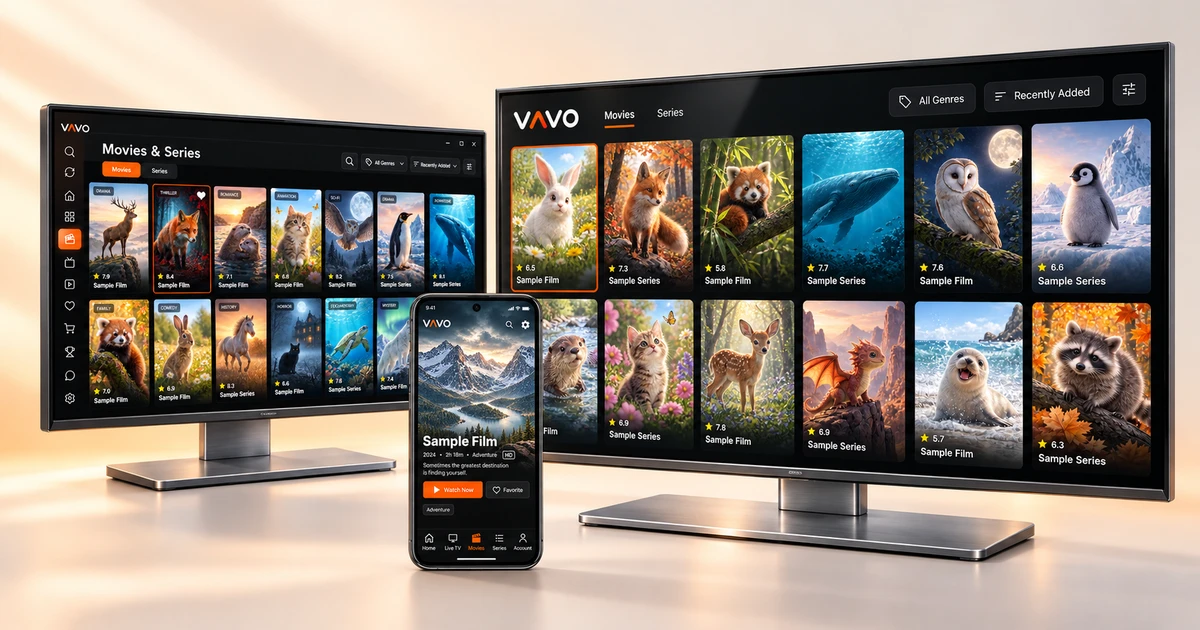 Explore platforms
Download Vavo Player from Google Play.

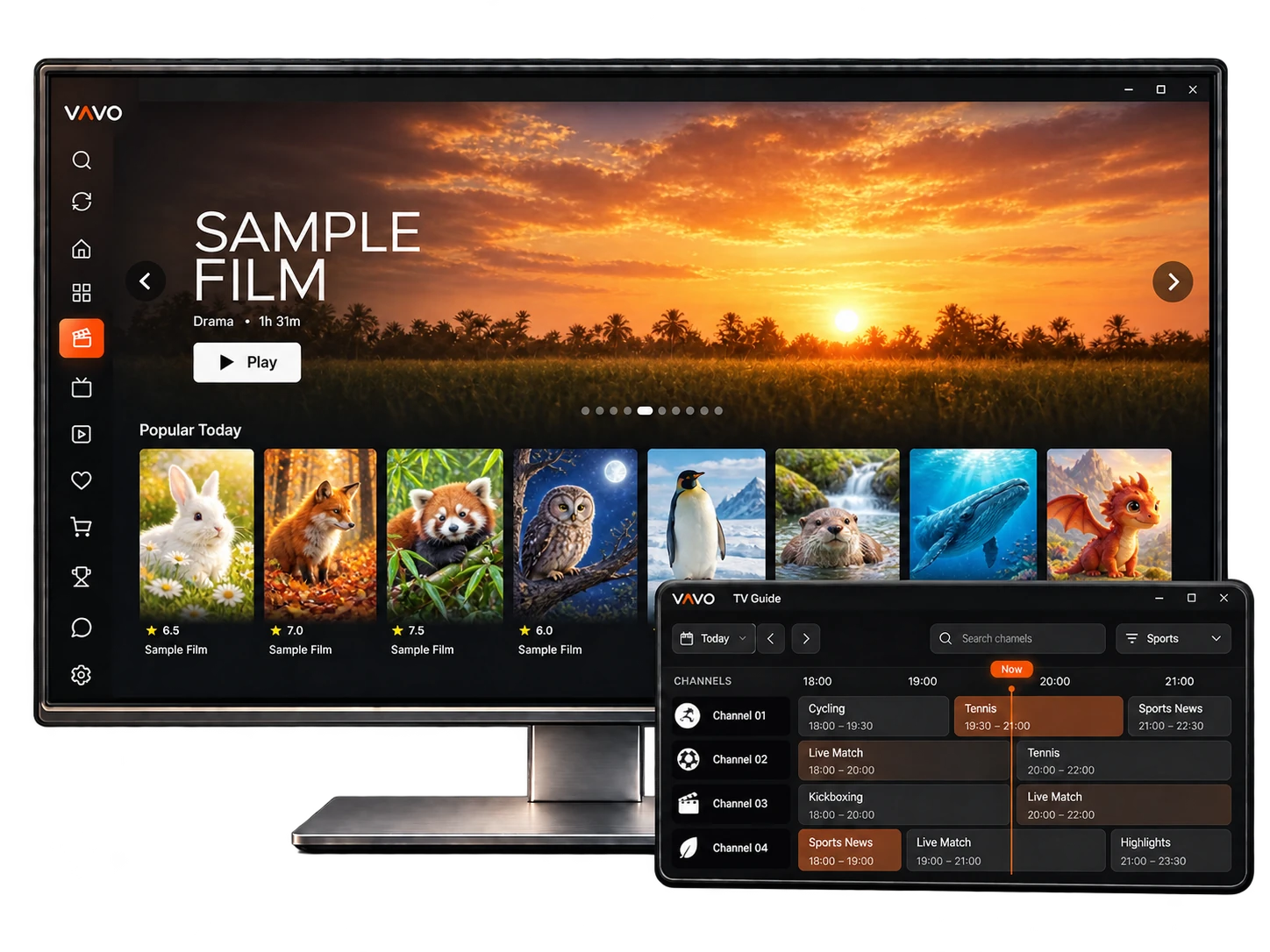
Download Vavo Player from Microsoft Store.
Download Vavo Player from Google Play.

Download Vavo Player from Amazon Appstore.
Vavo Player is only a media player and does not provide any content. The app is not affiliated with any content providers and does not support illegal content sources. To watch anything, you must add your own playlists. Any paid or premium version only unlocks app features; it does not include or provide access to any channels, streams, or media content.
Open video files stored on your device with Vavo.
Watch your videos on Chromecast and compatible devices.
Switch easily between available subtitles and audio tracks.
Resume your videos from where you paused.
Category-level locks and a global password keep things family-safe.
Check your connection quality right inside the app.
Continue Watching makes it easy to pick up where I left off. I can return to a film without hunting through my playlists.
Android User
My playlists finally feel organized. Fast search makes finding something simple. The clean layout is exactly what I wanted on my desktop.
Windows User
The TV layout is clear and easy to browse. Moving between Live TV, movies and series feels natural on a big screen.
Android TV User
I like having all my playlists in one place. Favorites keep the channels I use most close at hand on my Fire TV.
Fire TV User
Downloads make my saved videos ready for offline viewing. It is handy to have something to watch on my phone when I am away from Wi-Fi.
Android User
I use Vavo Player for both my playlists and local videos. Having them in the same player keeps my everyday viewing simple.
Windows User
One device. All features.
Get a tailored offer based on your device count and licensing needs.
No. Vavo Player is only a media player. You need to add your own playlists to watch content. A license only unlocks app features; it does not include content or access to any streams.
Try before you buy
Choose your license.
No. Your license is valid only on the device it was purchased for. To use premium features on another device, you need a separate license for that device.
You can add your own M3U playlist or the server login details provided by your content provider. You can manage multiple playlists within the same app.
Yes. If your camera provides a compatible live stream URL, you can add it to Vavo Player to watch your camera feed.
Yes. Alongside your playlists, you can also use Vavo Player to play local video files stored on your device.
Yes. We can offer tailored packages based on your device count and licensing needs. Contact us for an offer that suits your business.
Have a question about setup, features or your device license? Send us a message and we’ll help you get started.