
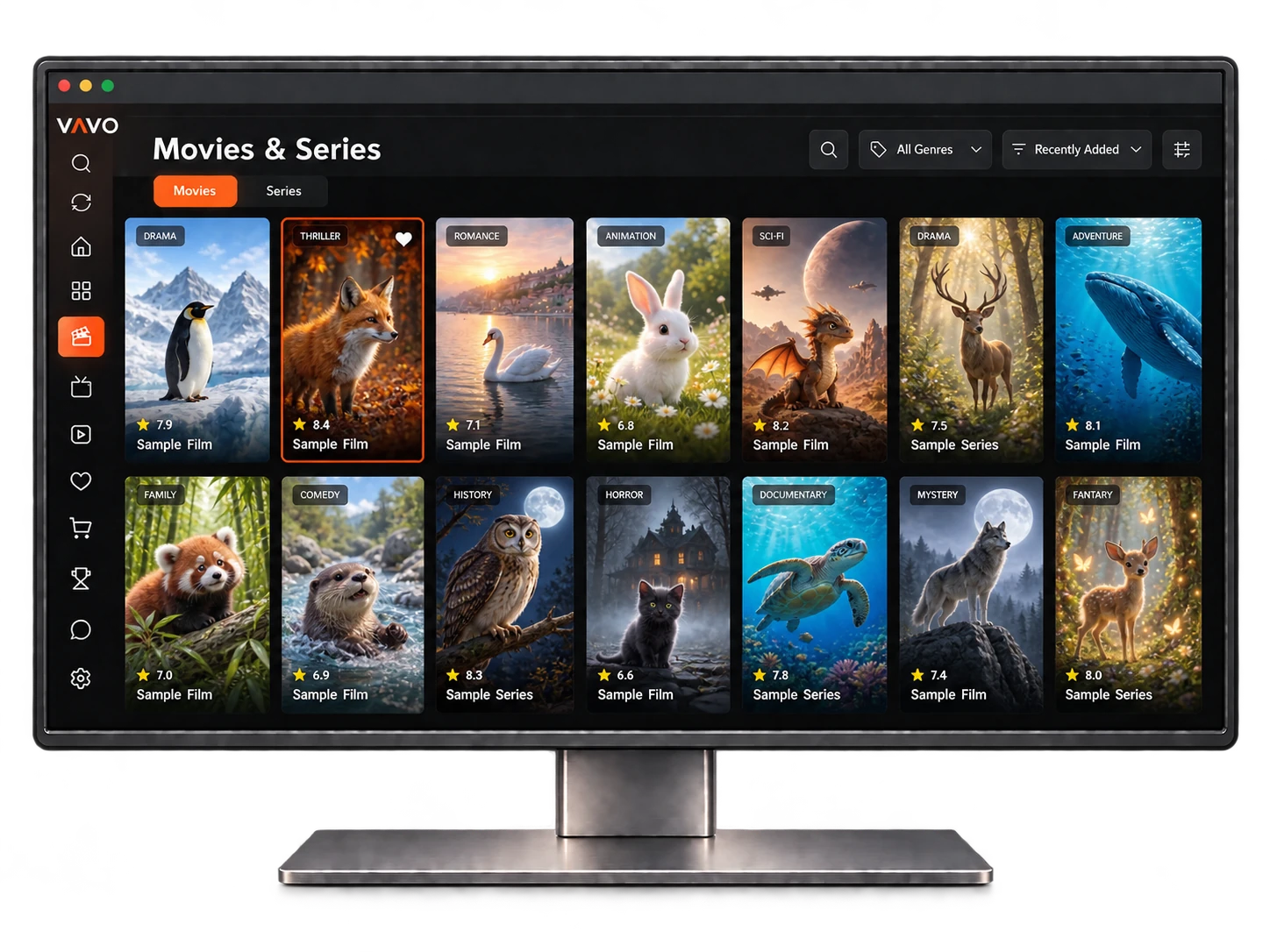
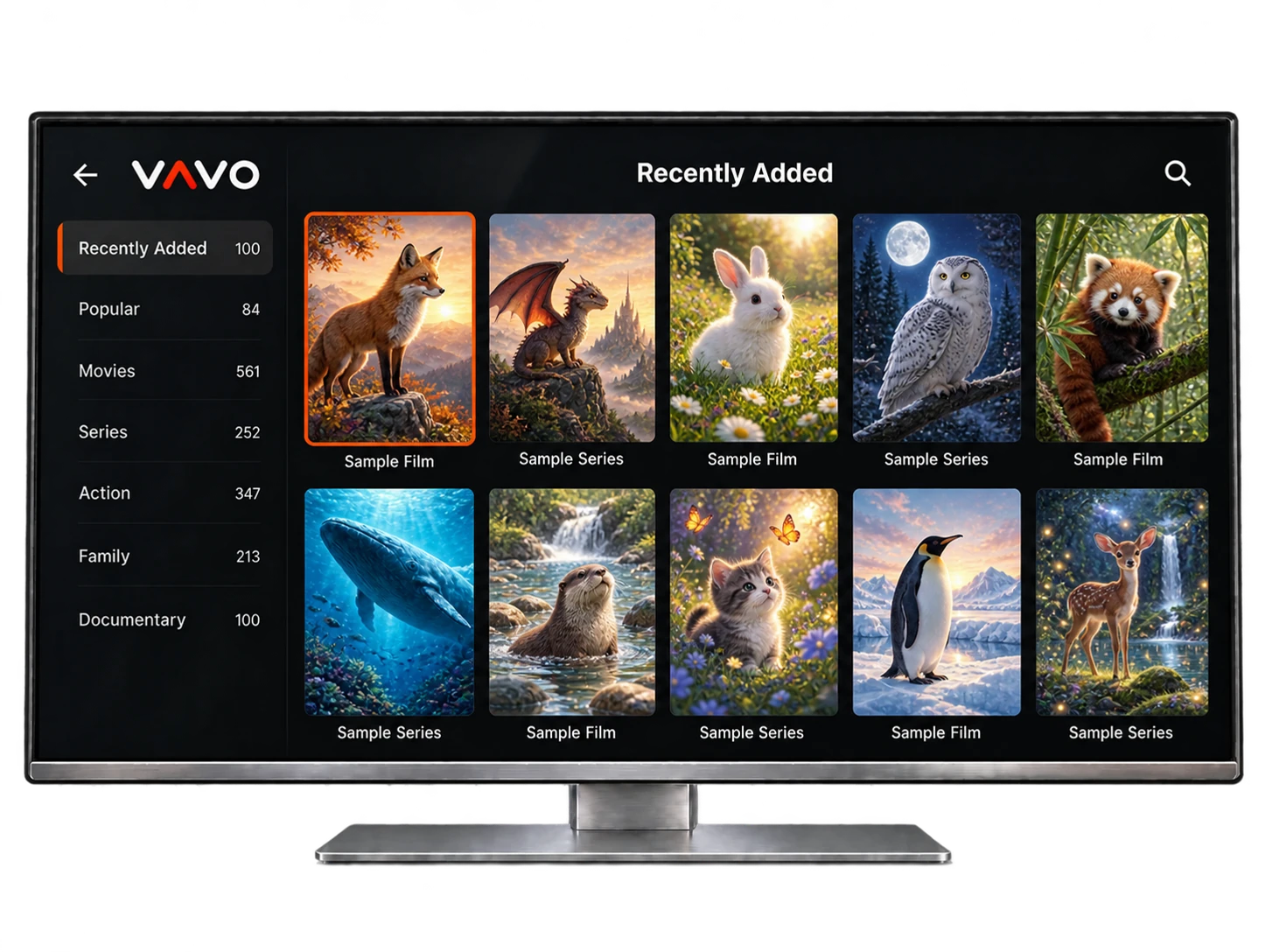


TitanOS
TitanOS smart TVs
Coming Soon
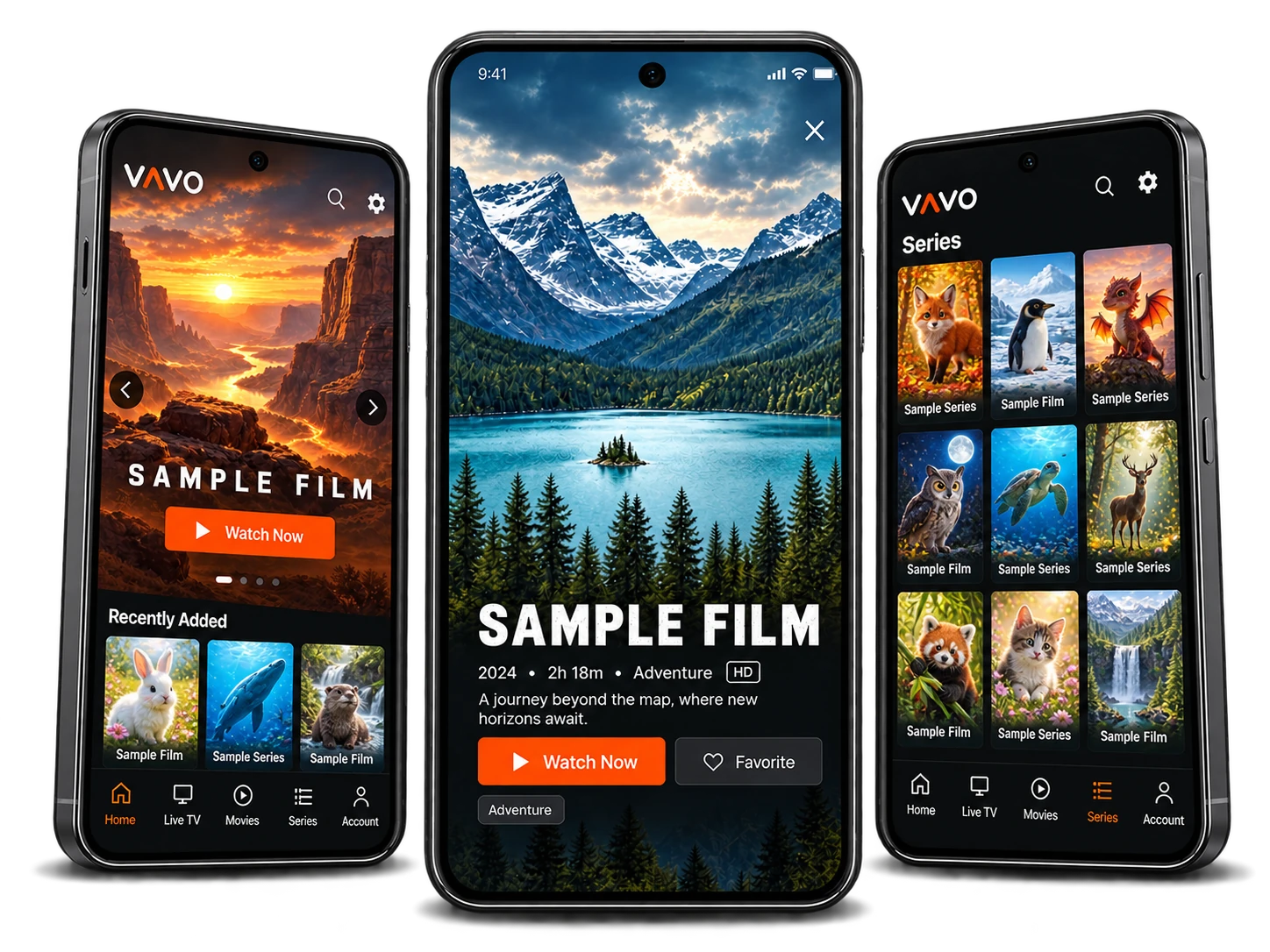
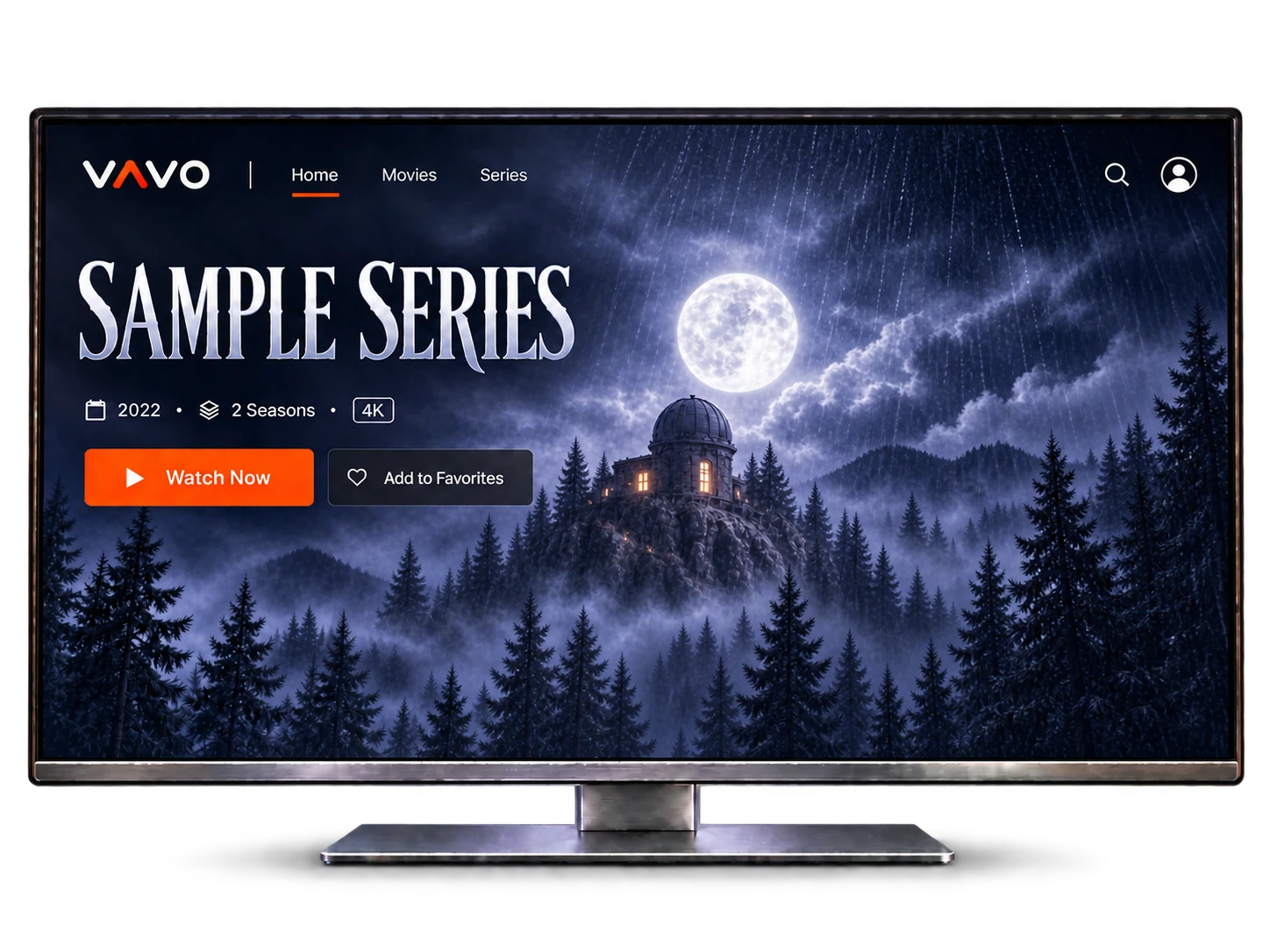
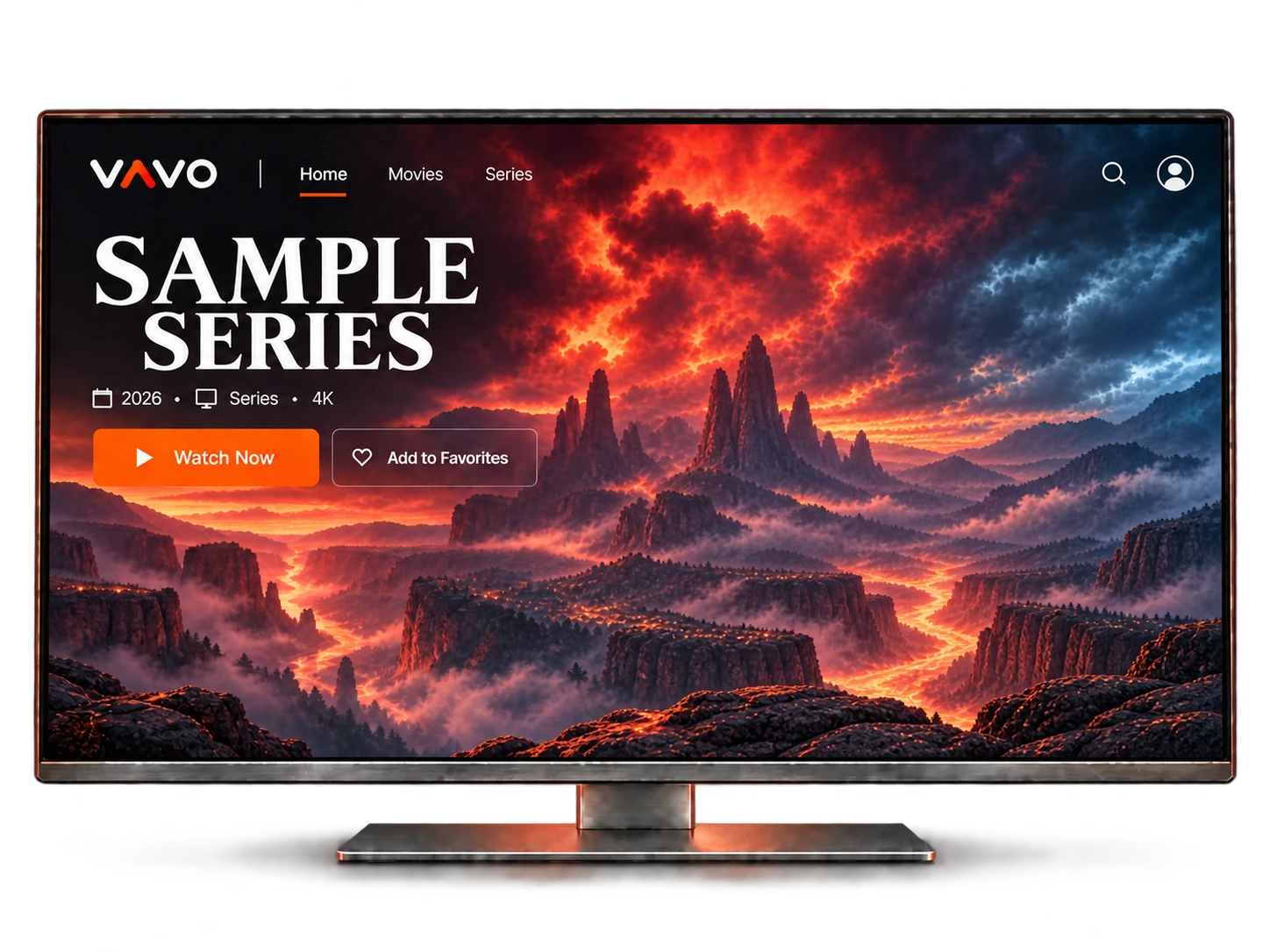
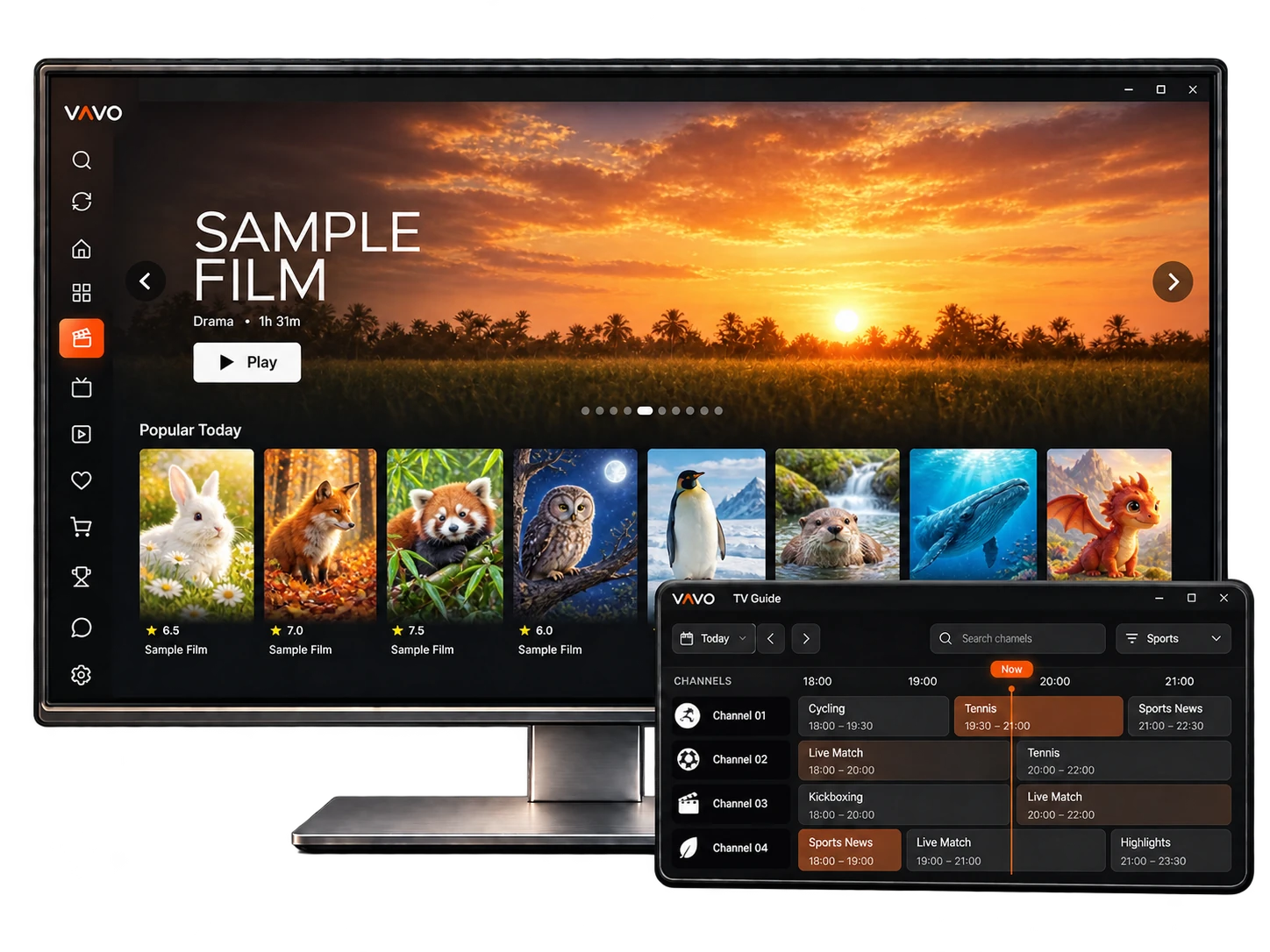
Made for your television. Made for your phone. Made for your computer.
Enjoy your movies, series and live streams with Vavo Player. Find the app for your TV, computer or phone.


TV, desktop and mobile. One Vavo.
TitanOS smart TVs
Whale TV smart TVs
Vavo Player is only a media player and does not provide any content. The app is not affiliated with any content providers and does not support illegal content sources. To watch anything, you must add your own playlists. Any paid or premium version only unlocks app features; it does not include or provide access to any channels, streams, or media content.
Open video files stored on your device with Vavo.
Watch your videos on Chromecast and compatible devices.
Switch easily between available subtitles and audio tracks.
Resume your videos from where you paused.
Category-level locks and a global password keep things family-safe.
Check your connection quality right inside the app.
One device. All features.
Get a tailored offer based on your device count and licensing needs.
No. Vavo Player is only a media player. You need to add your own playlists to watch content. A license only unlocks app features; it does not include content or access to any streams.
Try before you buy
Choose your license.
No. Your license is valid only on the device it was purchased for. To use premium features on another device, you need a separate license for that device.
You can add your own M3U playlist or the server login details provided by your content provider. You can manage multiple playlists within the same app.
Yes. If your camera provides a compatible live stream URL, you can add it to Vavo Player to watch your camera feed.
Yes. Alongside your playlists, you can also use Vavo Player to play local video files stored on your device.
Yes. We can offer tailored packages based on your device count and licensing needs. Contact us for an offer that suits your business.
Have a question about setup, features or your device license? Send us a message and we’ll help you get started.