SmartOne alternative: Vavo Player for your personal TV library
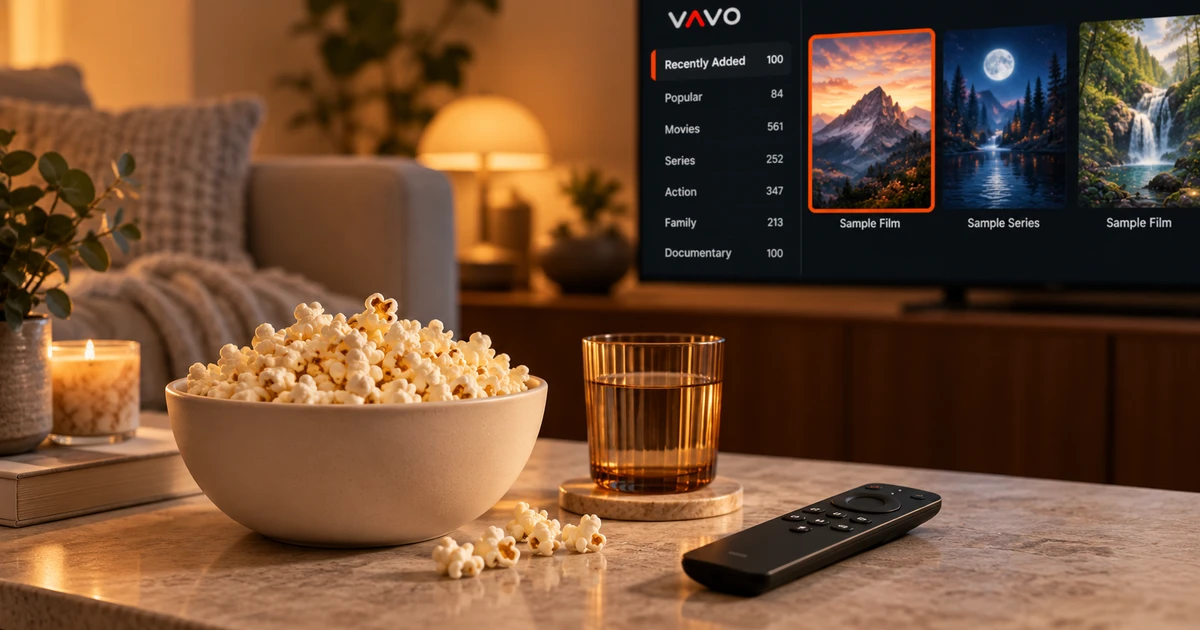

Looking for a SmartOne alternative? Think about the library you want on your own television. Vavo Player combines film and series cards, favourites, search and Continue Watching into a personal viewing routine. Explore LG and Samsung options, or the separate Windows and Mac experiences. Start with your compatible device and your own media during a 60-day free trial.
- Visual library for LG and Samsung
- Windows and Mac next to TV
- 60 days free usage
Make your TV library fit your viewing habits
When using a player on television, content selection is as important as playback. You look for a new movie in the evening; Another day you just want to return to the series you follow. Vavo Player's visual library brings together these different needs through categories, favourites and the Continue Watching section. The order you establish with your own media creates a familiar start every time you return to the app.
The official page of SmartOne reviewed explains its use on different television systems. Do not think that the reason for choosing Vavo Player is only to be installed on a TV. See how it feels to navigate cards, favourite and search the library on your compatible LG or Samsung display. You can see the comfort that the application offers you in daily use during the trial period.
The advantage of Vavo Player is that you can evaluate this TV library along with its desktop options. Your viewing area at home isn't just the couch and television; Sometimes your personal videos on the computer are also available to you. Reviewing device pages for TV and computer under the same brand makes it easier to decide which experience you want on which screen.
Browse LG and Samsung with the remote
You can review the relevant Vavo Player experience on our LG TV player page. The Samsung TV player page is the starting point for your Samsung Tizen screen. First check your TV model's compatibility, then add your own media. Selecting a category with the remote control and switching to viewing from visual cards are daily operations that you can evaluate from your actual sitting distance.
Favourites provide a separate path for content you return to frequently. Picking up where you left off is also useful when you're taking a break from a long video or series session. Instead of trying to find the same content every night, you can start from your own personal space. The most understandable way to evaluate Vavo Player on TV is to establish your actual viewing habit in the application for a few days.
Also try the audio and subtitle options with your own source. See how the available parts and functions supported by your TV work. Don't expect detailed display or subtitle settings on the desktop to be the same across all TV versions. The right platform page and trial will allow you to establish a clear expectation for your own screen.
Use favourites and Continue Watching for different needs
The movie you want to watch in the future and the episode you left unfinished are not the same need. In Vavo Player, the favourites and Continue Watching section helps you consider these two situations separately. You can choose a content for the next evening, and return to the video you started from the continuation section. This separation makes it easier to find your own selections again as the size of your library increases.
In the Windows experience on your computer, the Continue Watching list's remaining time information and the option to remove it from the list allow you to keep this area more personal. Season tabs and unfinished episode tags in series also help in choosing the right content. In Vavo Player, judge the organisation of the library not only by the number of contents, but by the path you take when returning to it.
This usage occurs within your device. Don't start with the assumption that your viewing history will automatically transfer from TV to computer. Create your own resources and preferences in each version. The standout approach of Vavo Player is that it allows you to set up a personal viewing pattern for whatever screen you use.
Explore your library in more detail on a computer
SmartOne's reviewed platform page focuses on television systems. If you're looking for a separate desktop experience for your Windows computer, check out our media player for Windows. Intra-category search, different sorting preferences, genre filters and card view settings. It helps you use your own library on a wide screen. These details become directly important for the user who wants to navigate with the mouse.
Before choosing a movie on Windows, you can review its synopsis or existing trailer. Once you're watching, you can edit the appearance of subtitles, playback speed, and display preferences. The mini player frees up space for a video session while doing something else on the computer. Evaluate Vavo Player's desktop advantage through these frequently used operations on your own library.
There is also a macOS media player page for Mac. The features, compatibility and licence of the relevant version should be evaluated separately. If you want to do your player research that starts on the TV with the computer, Vavo Player gives you options that you can examine directly. Let the screen you use most determine which device you should start with.
Spend 60 days with your own collection
The 60-day free trial of Vavo Player is for you to make your decision based on your actual usage on different days. Don't just open a single video and close the application. Add some content to favourites, follow a series, and search across categories. This way you can see which feature works for you again and again.
Your trial is done on your own device and with your own authorised media sources. Vavo Player does not provide subscriptions to movies, series, channels or content. You will evaluate the library and playback features of the software. Seeing how your TV model and source work together before you buy will allow you to make a clearer licensing decision.
Compare the reasons to choose Vavo Player
| Your priority | Vavo Player experience | What to try |
|---|---|---|
| TV library | Visual cards, favourites and search. | Convenience of content selection with your own remote control. |
| Unfinished video | Area to continue where you left off. | Back to the same video another day. |
| Desktop viewing | Separate options for Windows and Mac. | Library and controls on the desktop screen. |
| Choosing a licence | 60-day trial and open prices for a single device. | The features and number of devices you use. |
$9 a year or $18 lifetime for one device
Vavo Player licence is $9 for 12 months of use on a single device or one-time $18 for lifetime use. Annual licence renews with new purchase; There is no automatic renewal fee. If you plan to use separate premiums on your TV and computer, consider from the beginning that a separate licence is required for each device.
Keep a copy of your source details when switching from SmartOne. Build your library and playback preferences in Vavo Player, without assuming another app’s accounts, favourites or settings will transfer automatically. Choose your own licence after the free trial.
Questions about switching from SmartOne
Should I use the same page for LG and Samsung?
Check out each platform's own Vavo Player page. Start with the version appropriate for your TV model and system.
Does the TV licence also unlock my computer?
One licence is tied to one device. You should also consider premium usage on the second device.
Who adds media in Vavo Player?
You add your own compatible and authorised sources. The software licence does not provide content subscription.
Choose a screen that fits your library
As an alternative to SmartOne, highlight Vavo Player with the personal library you can set up on your television and the desktop experience you can enjoy on your computer. Start with the compatible device you use most often. Create your own habit from favourites to watching in a 60-day trial.
This article was prepared by Vavo Player Team. SmartOne's TV platform coverage was reviewed on its official page on October 7, 2026; may change. Brands are independent. Vavo Player features should be evaluated according to the platform you are using.
Find your Vavo Player experience.
Explore the features for your screen and try Vavo Player with your own media.