Perfect Player alternative: a more modern viewing experience with Vavo Player
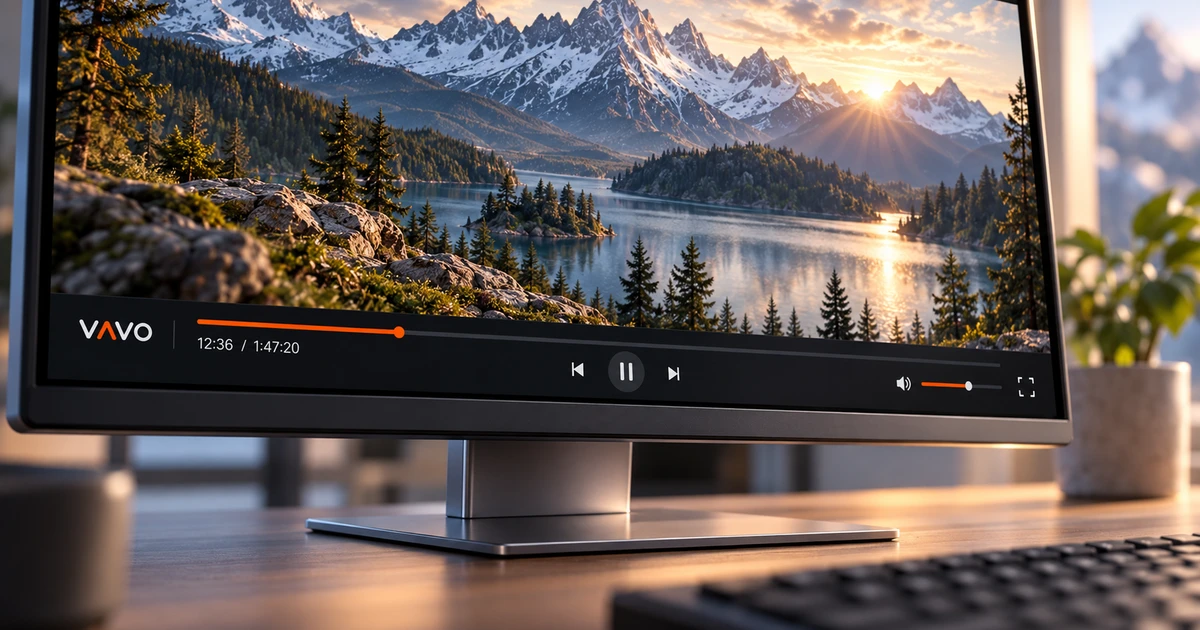

Looking for a Perfect Player alternative? Choose the everyday experience you want from a new player. If a visual film and series library, favourites, unfinished videos and controls suited to your screen matter, start with Vavo Player. Explore TV, desktop and Android options, and try it free for 60 days before choosing a licence for one device.
- Visual film and series library
- Detailed controls on desktop
- 60 days free trial
Choose a library you will enjoy returning to
What you expect from a player may change over time. While opening a video is sufficient at first, as your library grows, the convenience of choosing content and returning becomes important. Vavo Player's visual approach doesn't treat your own media as mere elements to be played. Movie and series cards help you establish a personal viewing routine with categories, favourites and a Continue Watching section.
If you want to switch from Perfect Player to another experience, first identify your favourite actions. How do you find a movie? How do you return to the unfinished episode? How do you change the subtitle? You can directly see the answers to these questions when you try Vavo Player with your own videos. Your choice is based not only on the promotional screen but also on the conveniences you use in your daily habit.
Look for the advantage of Vavo Player in the interplay of library and playback experience. You have a visual space to select content and a starting point to return to when you take a break from watching. Choosing the appropriate platform for your particular display is also part of the experience. You can review computer, TV and Android usage separately on the relevant device pages.
Discover films even when you cannot remember the title
One evening you search for a specific movie, another evening you just know which genre you want to watch. In Vavo Player's Windows library, category search, genre filters and new additions offer different beginnings. Visual cards and content information help you evaluate the options in your library together. Deciding on content becomes a more comfortable part of the viewing experience.
Card size and name display preferences adapt to how you want to view the library on your own screen. You can hide items that do not have images and use sorting options. These details are to make a crowded library easier to read every day. Create the look that suits your collection when you try Vavo Player's Windows experience.
Looking at movie information, reading the synopsis or opening the existing trailer can make your choice easier. Season tabs in series help you use a long list of episodes more clearly. Check out this approach on our media player for Windows page. See what really helps you with your own library over a few days of real use.
Use your own picture, sound and subtitle preferences
When choosing a new player, also consider what settings you'll access when your video starts. In Vavo Player you can select available audio and subtitle tracks. In the Windows experience, details like playback speed, display preferences, and subtitle appearance help you tailor the video to your use. A little control over a long viewing session can directly impact comfort.
Adjust subtitle size, colour and background appearance on desktop. You can create your own preference when your screen size or reading distance changes. Changing the playback speed can also be useful in a training video or personal recording. Evaluate Vavo Player's controls on your own content that you open every day.
In Windows, aspect ratio and cropping options, brightness and other display preferences are also settings you can use when you need them. Try the audio options with your own listening conditions. Instead of expecting every function to be the same on all platforms, look at the features of the relevant version. Your player choice makes sense with the controls you'll use on your real device.
Return easily after taking a break
You can't always finish a long movie in one sitting. Vavo Player's pick-up area gives you a way to get back to your unfinished videos. You can see the remaining time in Windows and remove the content you no longer follow from the Continue Watching list. The unfinished episode tag and season order in series help you re-select the right content.
The mini player can also be useful when you want to do something else on your computer. You can shrink the viewing session to free up your workspace, then enlarge it again later. Using or cancelling the next episode countdown in a series session leaves the decision to continue up to you. When you use these features on different days, you will feel the daily advantage of Vavo Player more clearly.
Don't assume that there will be automatic shared viewing history between devices. In Vavo Player you evaluate the own library and usage of the relevant screen. We do not promise that your accounts, settings or favourites will be automatically moved when going through Perfect Player. You can add your own resources and create your new personal layout in the app.
Find the right version for your computer or TV
Vavo Player's LG TV player and Samsung TV player pages allow you to review model compatibility and features for your television. Using the movie and series library, returning to favourites and continuing the unfinished video with the remote control is at the center of the TV experience. Check your version without assuming that all settings on the desktop are the same on the TV.
There are also macOS media player options for Mac and Android media player for your phone. Android TV and Fire TV users can also start from their respective platform pages. The important thing is to find the library and playback layout that suits you on your current device. Start the free trial with the screen you use most.
Compare the reasons to switch to Vavo Player
| Your daily need | Vavo Player option | What to try |
|---|---|---|
| Choosing a film | Visual cards, category search, and genre filters on Windows. | Make a few different selections in your crowded library. |
| Unfinished content | Resume area and section layout on desktop. | Come back to the same video the next day. |
| Playback preferences | Audio, video and subtitle preferences in Windows. | Evaluate the settings with existing parts of your own video. |
| Trying before buying | 60 days free trial. | Use the app with your different viewing habits. |
Try for 60 days before choosing a licence
Vavo Player licenses offer 12 months of $9 or one-time $18 lifetime use for a single device. Annual option renews with new purchase; There is no automatic renewal fee. If you want premium usage on a second device, a separate licence is required. You can make your purchasing decision after evaluating your own library during the 60-day trial.
A licence is not a content subscription. Vavo Player does not provide channels, movies or series. You add the resources you have the right to use. When switching to the new player, keep a copy of your source information and create favourites and playback preferences by adding your compatible media.
Questions about switching from Perfect Player
Should I buy Vavo Player first?
No. You can start with a 60-day free trial with your own compatible device and authorised media.
Will my favourites appear automatically?
Don't assume automatic transfer. Create your own favourites and settings in Vavo Player.
What features should I expect on all platforms?
Features may vary by platform. Review the page of the version you will use and evaluate it with your own videos.
Create a more personal viewing space with Vavo Player
Consider Vavo Player as an alternative to Perfect Player to explore your own library and organise your playback experience. Start with the version appropriate for your device. Use the favourites, Continue Watching section and controls on the relevant platform in your real habit for 60 days.
This article was prepared by the Vavo Player Team to explain the usage features of our own product. The name Perfect Player identifies the product being compared; brands are independent. Vavo Player features and compatibility should be evaluated according to the platform you are using.
Find your Vavo Player experience.
Explore the features for your screen and try Vavo Player with your own media.